Firmware upgrade procesure
We have recently released a firmware update specifically designed to optimize power consumption for battery-intensive modules, including PM sensing. This update targets significant improvements in power efficiency, particularly at shorter reporting intervals.
We will require a firmware upgrade tool, once it's ready our technical team can provide remote support to assist your team through the process when required.
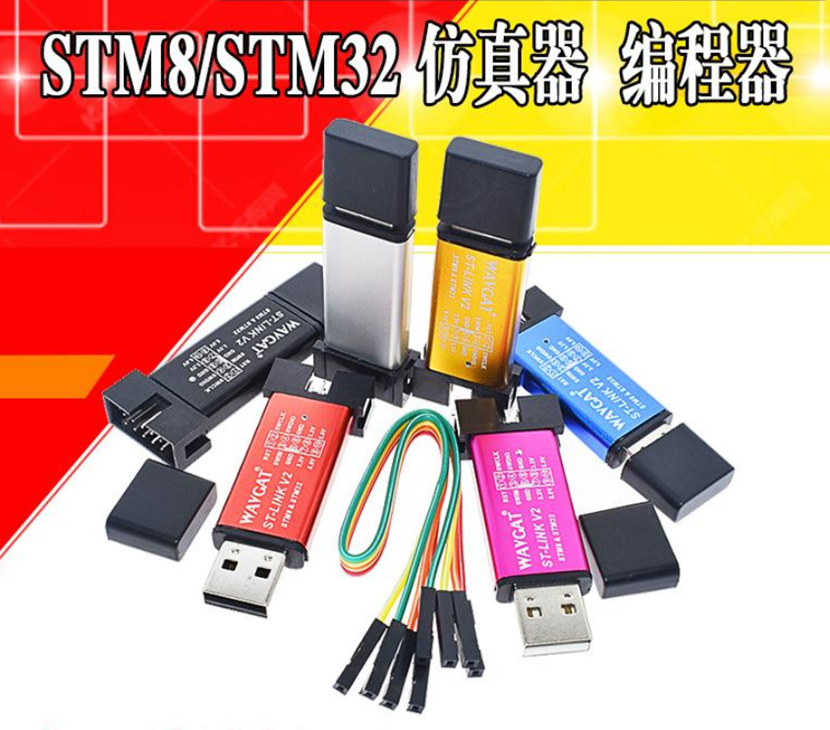
- Download and install the STM32 ST-LINK Utility (v4.6.0).
- Access the new firmware files here: Firmware Files.
- Review the video guide for assistance: Video Tutorial.
Download the STM32 ST-LINK Utility software: https://www.st.com/en/development-tools/stsw-link004.html
- For USB-powered versions: Disconnect the USB power supply for the changes to take effect.
- For battery-powered versions (with jumper): Remove the jumper before installation to ensure full functionality and prevent abnormal voltage conditions.
For optimal configuration, we would suggest using our battery calculator : https://www.atomsenses.com/resources/battery-calculator
For the units where the batteries are already depleted, you can switch to using Type-C as a power option while waiting for the replacement batteries, Here is a guide : https://youtu.be/es7j3ARSLVY